
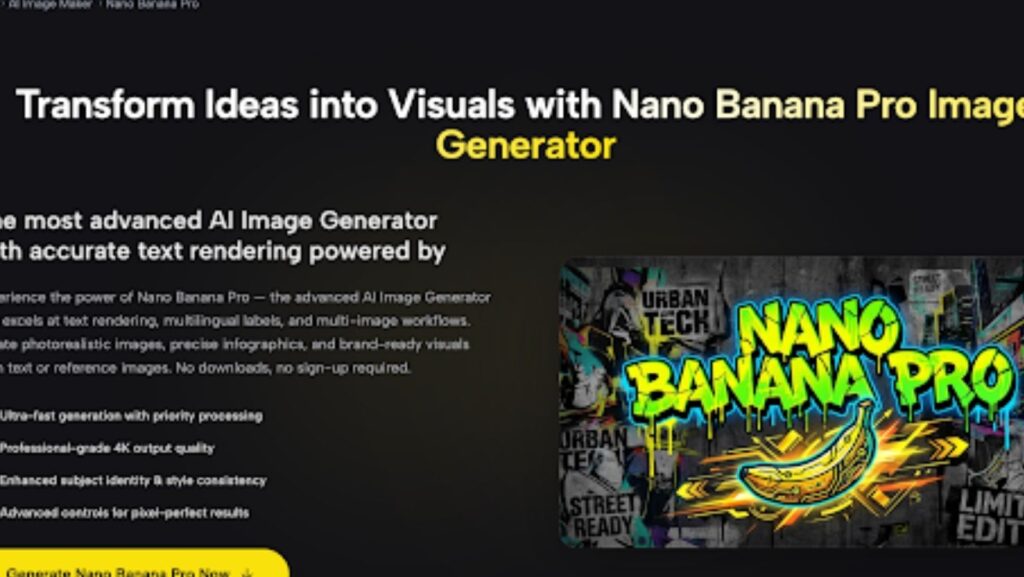
Creating polished visual content at scale has always demanded a careful balance between creative flexibility and technical precision. For marketers, educators, and designers who regularly work with text-heavy visuals, infographics, or multilingual layouts, most AI image generators fall disappointingly short. That’s exactly the problem Nano Banana Pro was built to solve — offering a browser-based image generation experience that prioritizes readable typography, consistent style, and professional output quality without requiring any software installation or account setup.
What Is Nano Banana Pro?
Nano Banana Pro is an advanced AI image generator available on the SuperMaker AI platform. It supports both text-to-image and image-to-image workflows, and it is specifically optimized for use cases where accurate in-image text rendering matters — think annotated diagrams, branded posters, multilingual ad creatives, and educational infographics.
The model was released by Google and represents a meaningful upgrade over earlier versions in the Nano Banana series. The “Pro” designation reflects improvements in text sharpness (especially for Asian languages), resolution output, and multi-image input capabilities that set it apart from general-purpose generators.
Why Nano Banana Pro Stands Out for Visual Creators
Accurate Text Rendering — Including Asian Languages
The single most distinctive capability of Nano Banana Pro is how it handles in-image text. Where most AI image models produce blurred, hallucinated, or structurally broken typography, this model renders labels, headlines, chart annotations, and UI-style callouts with genuine legibility. This extends meaningfully to multilingual content, including Chinese, Japanese, and Korean scripts — a practical necessity for brands and educators operating across language boundaries.
4K Output With Flexible Aspect Ratios
Nano Banana Pro outputs images at 2K natively, with a 4K upscale pipeline available for high-DPI displays, large-format printing, and e-commerce listings where image quality at zoom is visible to customers. Aspect ratio support covers the full range of modern publishing formats:
- Landscape: 16:9, 21:9
- Square: 1:1
- Portrait: 4:5, 3:4, 9:16
This means a single generation session on SuperMaker can produce assets simultaneously formatted for YouTube thumbnails, Instagram feeds, story formats, and website banners — without resizing or reformatting afterward.
Multi-Image Prompting With Up to 4 References
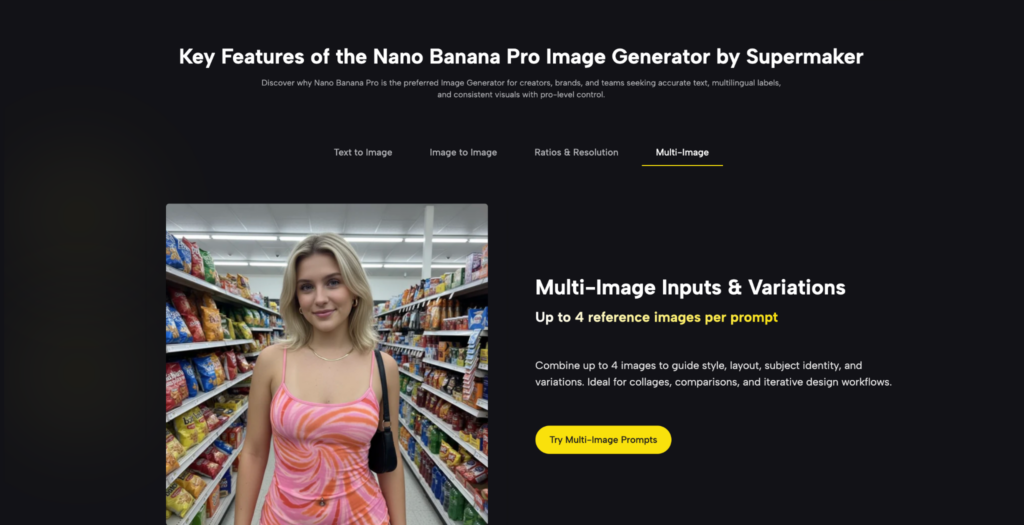
A standout feature in the Pro tier is the ability to supply up to 4 reference images alongside a single prompt. This matters practically: rather than describing a brand’s visual identity in words and hoping the model infers it correctly, you can anchor the generation with actual references — controlling subject identity, material textures, color palette, and layout structure at the same time. For product packs, content series, and brand-consistent campaigns, this dramatically reduces the iteration cycles needed to reach a usable result.
Key Features of Nano Banana Pro at a Glance
Text-to-Image Generation
Describe a scene in natural language — including specific text elements, layout instructions, and style preferences — and Nano Banana Pro translates it into a pixel-precise image. The model handles world-knowledge-grounded content, meaning it can generate contextually accurate visuals rather than purely abstract interpretations of a prompt.
Image-to-Image Editing and Transformation
Upload existing images to modify composition, replace objects, adjust backgrounds, or refine the visual style while preserving subject identity. This mode is particularly useful for product mockups, marketing variant generation, and educational diagram refinement where you need targeted edits rather than a full regeneration.
No Sign-Up, No Download Required
The entire workflow runs in the browser. There is no software to install, no account wall to navigate before testing, and no learning curve for new users. Open the tool, enter a prompt or upload references, and begin generating immediately.
How to Use Nano Banana Pro
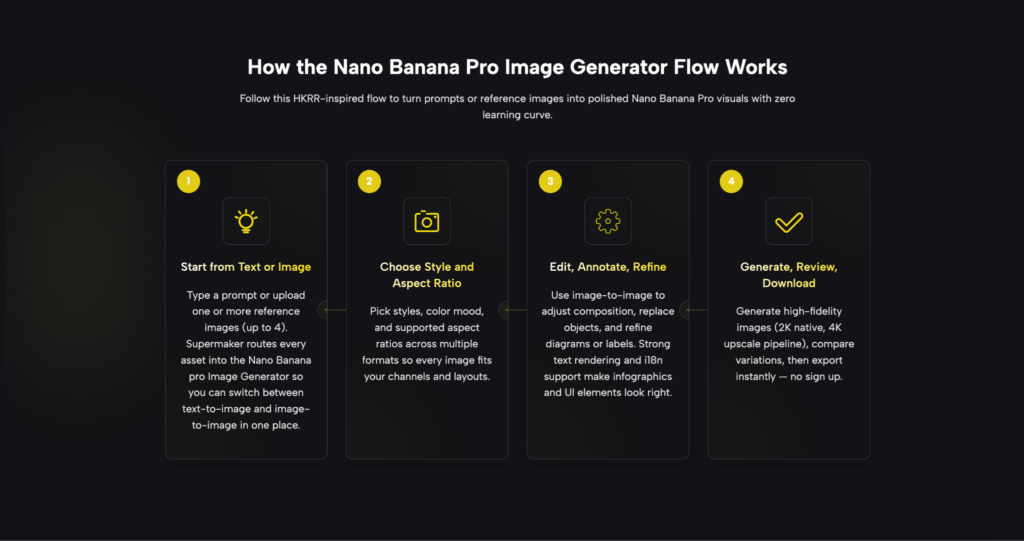
Getting from a blank prompt to a finished, export-ready image takes four straightforward steps:
- Open the generator — Navigate to the Nano Banana Pro page on SuperMaker. No login is required to start.
- Select your mode — Choose text-to-image for prompt-based generation, or image-to-image if you’re working from existing references. You can upload up to 4 reference images alongside your prompt in either mode.
- Configure your output settings — Pick your target aspect ratio from the available options (landscape, square, or portrait), then select your resolution tier (1K, 2K, or 4K).
- Generate, compare, and export — Run generation, review the output variations side by side, and download the final image directly. Exports are immediate with no processing queue.
The entire process is accessible to users with no design background. The controls are minimal by design — the complexity lives in the model’s rendering capabilities, not in the interface you have to navigate to reach them.
Best Use Cases: Who Gets the Most From This Tool
Nano Banana Pro is especially well-suited for the following workflows:
- Marketing and advertising teams producing campaign hero images, landing page banners, and localized ad creatives across multiple aspect ratios and language markets
- Social media managers who need consistent, brand-aligned visuals in vertical, square, and landscape formats from a single prompt session
- Educators and L&D professionals generating bilingual diagrams, annotated slides, and infographics where text legibility across scripts is non-negotiable
- E-commerce brands that need product image variants with clean background swaps, consistent lighting, and output quality that holds at zoom
- Founders and consultants building investor decks and pitch presentations where data visuals and branded imagery need to look professionally produced
- Designers and concept artists using multi-image reference prompting to maintain character identity and style consistency across a creative series
Practical Tips for Better Results
- Be specific about text content in your prompt. If you need a label or headline to appear exactly as written, include the exact string in quotes within your prompt. The model’s text rendering is strong, but clear instruction produces better results than implied expectation.
- Use reference images to anchor style. When consistency across a batch matters, upload a reference image that exemplifies your target look rather than describing it in words alone.
- Match aspect ratio to platform before generating. Selecting the right format upfront avoids cropping issues downstream and produces an output that fits natively into your target channel.
- Iterate from image-to-image. If a text-to-image result is close but not quite right, feed it back in as a reference for a second-pass image-to-image refinement rather than rewriting the prompt from scratch.
Start Generating With Nano Banana Pro
For creators who have spent time working around the text-rendering limitations of standard AI image tools, Nano Banana Pro represents a practical upgrade that addresses the problem directly rather than working around it. The combination of accurate typography, multilingual support, multi-image prompting, and 4K output — all accessible from a browser with no sign-up — makes it one of the more capable free tools in this category right now.
If your workflow includes text in images, localized content, or multi-format visual production, Nano Banana Pro is worth testing on a real project today.