
The current state of generative AI marketing is largely driven by “hero images”—those meticulously curated, cherry-picked masterpieces that suggest a tool can read your mind with a single click. For the creator or the indie maker working on a tight deadline, these images are often a distraction. The frustration doesn’t stem from a lack of beauty in the output; it stems from the unpredictability of the process. When you need a specific asset for a landing page or a social campaign, you aren’t looking for a digital slot machine. You are looking for a reliable instrument.
Comparing generative media tools by looking at a bulleted list of features—like max resolution or the number of supported languages—is increasingly futile. These specs don’t tell you how a model handles the nuance of a complex prompt or how much friction you will encounter when the first result isn’t quite right. To truly evaluate these tools, we have to move toward a framework of “semantic reliability” and workflow integration.
The Hero Image Trap and the Reality of Production
The gap between a marketing demo and a production environment is wide. In a demo, the prompt is often a simple, evocative phrase. In production, your prompt is likely a messy combination of brand guidelines, lighting requirements, and specific spatial arrangements. Most feature-focused reviews fail to account for the “statistical likelihood” of getting a usable result within the first three attempts.
For prompt-first creators, the shift from “exploring” AI to “implementing” AI marks a significant change in priorities. We no longer care if a model can generate a high-resolution image; we care if it can generate the image we asked for without “aesthetic drift.” This drift occurs when a model ignores half your prompt to focus on making the image look generally “artistic” or “cinematic” according to its training data. A model might produce a stunning landscape but completely ignore the “weathered teak table” you specifically requested in the foreground.
Raw parameter counts or the size of a training set are poor proxies for actual utility. A model with 100 billion parameters that defaults to a generic, plastic-like AI aesthetic is less useful than a leaner model that maintains a specific stylistic constraint. The goal isn’t just generation; it’s control.
Testing for Semantic Fluidity and Spatial Logic
When we evaluate a model like Nano Banana Pro AI, the focus shouldn’t just be on the pixels, but on how it interprets the logic of the prompt. We call this “semantic fluidity”—the ability of the model to understand the relationship between objects rather than just identifying keywords.
For instance, most basic models struggle with spatial relationships. If you ask for a “vintage camera behind a stack of books,” many models will simply generate a camera and books next to each other. They understand the nouns but fail the prepositional logic. In our testing, moving toward a more advanced iteration like Nano Banana Pro AI shows a noticeable improvement in these logical clusters. It treats the prompt as a set of instructions rather than a bag of words.
However, it is important to maintain a level of expectation-reset: no model is currently perfect at spatial logic. Even with Nano Banana Pro AI, there are moments where complex overlapping physics—like water splashing through a specific lattice structure—might still result in a hallucinated mess. The difference lies in the frequency of these errors. A production-ready tool minimizes these logical collapses so that your “iteration cost” stays low.
Another factor is compositional stability. When you switch aspect ratios—moving from a 1:1 square to a 9:16 vertical for mobile—does the core subject remain coherent, or does the model distort the anatomy to fill the frame? A tool that understands the “weight” of the subject within the composition is far more valuable for creators who need to repurpose assets across multiple platforms.
The Post-Generation Dead End: Why Isolated Models Fail
A great model is essentially useless if it exists in a vacuum. One of the biggest friction points in the AI creator’s workflow is the “fragmented pipeline.” You generate an image in one tab, download it, move to another tool to remove the background, go to a third site to upscale it, and perhaps a fourth to perform inpainting for a minor fix.
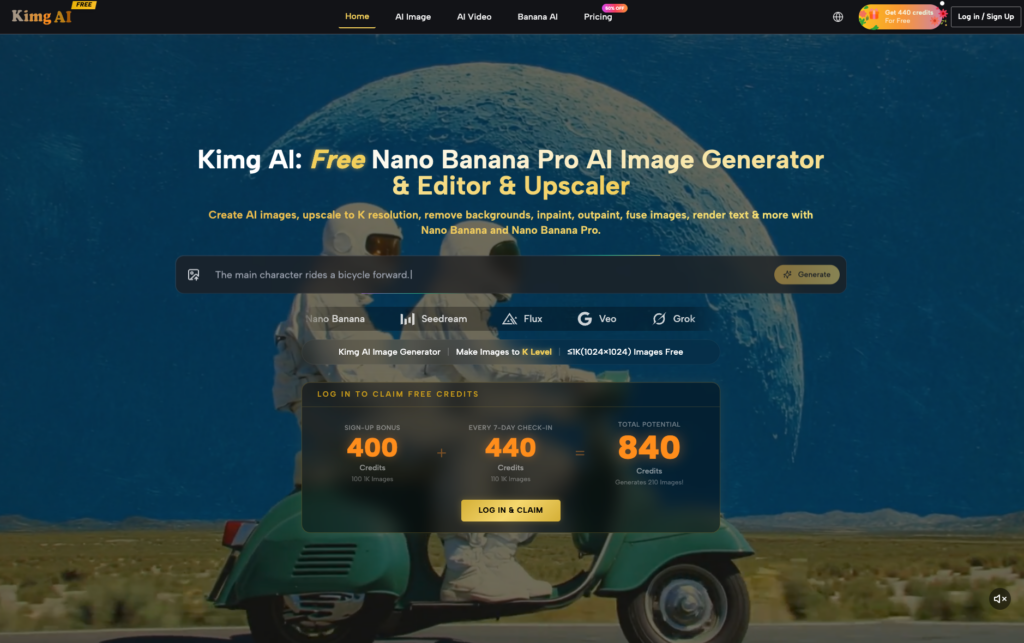
This is where the platform architecture becomes as important as the model itself. Kimg AI addresses this by treating generation as the beginning of the process, not the end. When you have generation, K-level upscaling, background removal, and fusing tools in a single environment, you eliminate the cognitive load of context-switching.
If you are an indie maker, your most valuable resource is time. If a tool requires you to jump between three different subscriptions and file formats just to get a clean PNG of a generated product concept, that tool is failing the production test. The integration of the Nano Banana Pro and Nano Banana Pro AI models within a suite that allows for immediate editing—such as rendering text or outpainting a background—is what transforms a “cool tech demo” into a creative workstation.
Quantifying the Cost of Iteration
We often talk about the price of AI tools in terms of monthly subscriptions or “credits per image.” But the true economic cost is the time spent on discarded iterations. If you are using a tool with a high variance in quality, you might spend 50 credits and 30 minutes to get one usable asset. If another tool costs more per generation but delivers a usable asset in two tries, the “expensive” tool is actually the more economical choice.
Predictability allows for faster batch processing. If you know that Nano Banana Pro will consistently follow your lighting and style constraints, you can confidently run batches of images while you focus on other tasks. This reduction in cognitive load is hard to put on a feature list, but it is the primary reason why professional creators stick with specific platforms.
It’s also worth noting that “free” tiers can be a double-edged sword. While they are excellent for testing the “vibes” of a model, they often lack the throughput or the advanced features like high-fidelity upscaling that make an image viable for print or high-res web display. At some point, the indie maker has to weigh the “free” price tag against the “reliability” of a paid, integrated workflow.
Building a Personal Evaluation Rubric
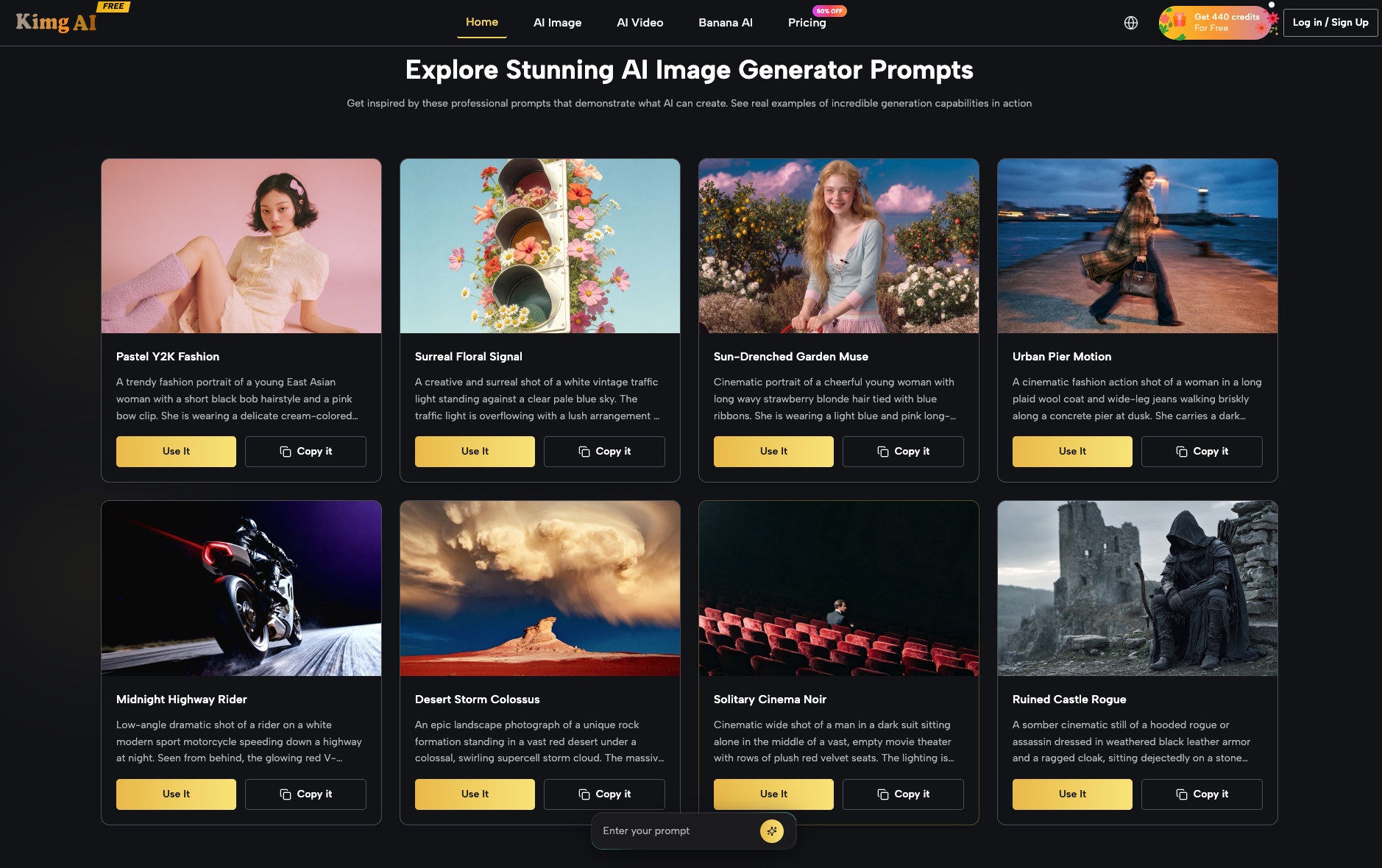
If you are currently evaluating new tools or models like Kimg AI, stop looking at the gallery of examples provided by the developers. Instead, run your own “stress test” using a rubric focused on logic and utility.
-
The Spatial Test: Create a prompt with three objects that must interact in a specific way (e.g., “A red apple resting inside a transparent glass bowl, which is sitting on a blue velvet cloth”). See if the model understands “inside” and “on top of” simultaneously.
-
The Stylistic Constraint Test: Try to generate a hyper-specific aesthetic, like “1970s brutalist architecture in a rainstorm, shot on 35mm film with heavy grain.” Check if the model defaults to a generic high-contrast “AI look” or if it respects the grain and muted tones of the era.
-
The Editability Test: Once an image is generated, how hard is it to change one small detail? Can the tool handle inpainting or background swaps without destroying the rest of the composition?
There is an inevitable uncertainty in this field. No single model is future-proof, and the “best” model today might be surpassed in three months. This is why developing tool-agnostic workflow skills—knowing how to prompt for logic, how to manage assets, and how to use integrated editing features—is more important than chasing the latest model name.
While tools like Nano Banana Pro and the broader ecosystem of Kimg AI provide a powerful baseline for production, the ultimate goal for any creator is to spend less time “gambling” with prompts and more time refining the final vision. Look for tools that respect your time, integrate your workflow, and prioritize semantic logic over flashy, one-off hero images. When the tool stops being something you “play with” and starts being something you “work with,” you’ve found the right fit.