
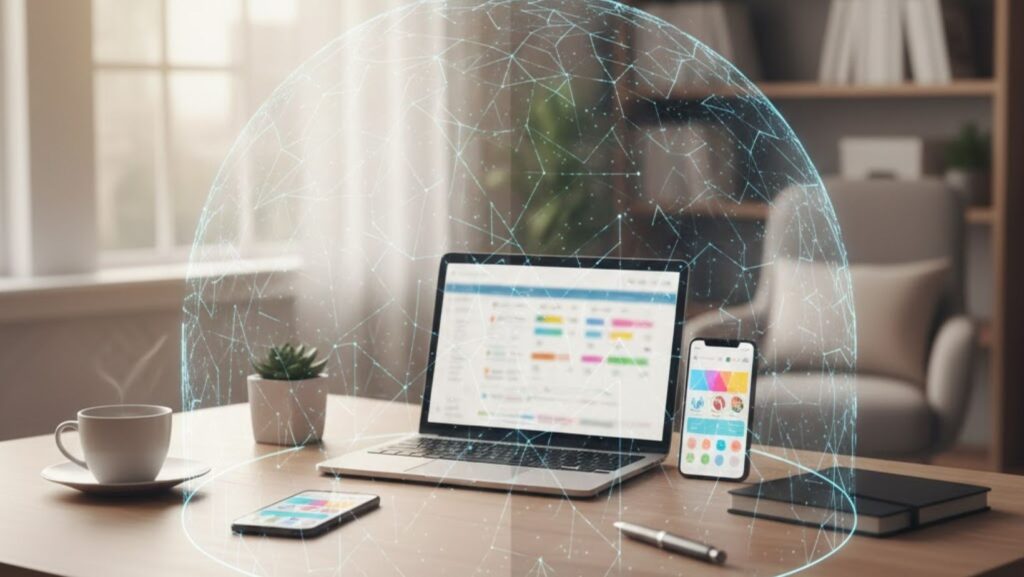
Most people think of privacy in terms of physical space—closing the blinds, locking the door, or drawing the curtains at night so strangers can’t look inside. But in today’s world, your home has another set of “windows” that many people forget about: the digital ones.
Your phones, laptops, smart TVs, tablets, cameras, lights, speakers, and appliances all connect to the internet. That means your home is no longer just a private living space. It’s also a small digital network full of personal information, habits, and daily routines. And just like a house without curtains, a home network without protection exposes far more than most people realize.
The good news? You don’t need to be a cybersecurity expert to protect your digital privacy. You simply need to understand the common risks inside modern households and put a few simple layers of protection in place—one of the most important being a VPN.
This guide breaks down how anyone can protect their home’s digital privacy in 2025, regardless of technical skill.
Your Home Is More Connected Than You Think
The average household today has 15–25 internet-connected devices. Some homes have even more, especially if smart thermostats, doorbell cameras, baby monitors, or gaming consoles are involved.
Every one of these devices creates:
- A connection
- A data trail
- A potential entry point for cybercriminals or snooping internet providers
Here’s the surprising part: you don’t need to be “important” to be targeted. Most attacks on home networks are automated. Bots scan huge ranges of IP addresses looking for easy-to-enter doors—weak passwords, unsecured networks, old software, or exposed devices.
If they find one, they don’t care who you are.
And once inside your home network, a hacker can:
- Access baby monitors or indoor cameras
- Read data sent from your devices
- Track your online habits
- Steal login details
- Watch your streaming or browsing activity
- Use your network to send attacks elsewhere
Think of it this way: your home Wi-Fi is the front door to all your digital life. If that door is unlocked, every device behind it becomes vulnerable.
How Your Internet Provider Sees Your Home
Most people don’t realize how much their internet service provider (ISP) can see. Even if you trust your provider, the level of visibility is more than many homeowners expect.
Your ISP can see:
- When you’re online
- What websites you visit
- How long you stay on them
- When you stream videos
- When your devices upload or download files
- When your smart home devices are active
- Patterns that reveal your schedule
With enough data, they can piece together your daily life:
- When you wake up
- When you go to work
- When you come home
- When you’re on vacation
- Whether kids are home
- When lights turn on or off
- What you watch, shop, and read
Some providers even sell anonymized user data or use it for targeted advertising.
This isn’t illegal—but it is invasive.
Luckily, one tool stops almost all ISP tracking instantly: a VPN.
Why a VPN Is the Digital Version of Closing Your Curtains
A VPN—Virtual Private Network—creates a secure, encrypted connection between your device and the internet. Once activated, your ISP, hackers, or trackers can no longer see what you’re doing. They only see that you are connected to the VPN.
It’s similar to drawing your curtains at night.
People may see that the lights are on, but they can’t see inside anymore.
A VPN helps you:
1. Protect Your Browsing Privacy
Every website you visit becomes hidden inside an encrypted tunnel. Your ISP can no longer track your browsing habits.
2. Secure Your Smart Home Devices
Many IoT devices send data in the background. A VPN helps keep that communication private.
3. Block Threats on Public Wi-Fi
If you ever take your phone or laptop outside—coffee shops, hotels, airports—a VPN protects you from eavesdroppers.
4. Prevent Online Tracking
Advertisers, apps, and data brokers have a harder time creating a profile of you.
5. Add a Safety Layer for Kids or Teens
You don’t have to share details of their activity with your service provider or third-party trackers.
Using a VPN isn’t about “hiding.”
It’s about keeping your home private, the same way curtains keep passersby from looking through your windows.
How to Use a VPN at Home (Even If You’re Not Technical)
Most people don’t know that a VPN can work two ways at home:
Option 1: Install the VPN on Each Device
This is simple. You open th e VPN Download page, install the app on your phone, laptop, or tablet, and tap “Connect.”
Great for:
- Phones
- Computers
- Tablets
- Travel
Option 2: Install the VPN on Your Router
This is the “whole house” option. One setup protects every device connected to your Wi-Fi—even your smart TV and appliances.
Great for:
- Families
- Smart homes
- People who forget to turn the VPN on
- Anyone who wants 24/7 protection
- Visitors or guests using your Wi-Fi
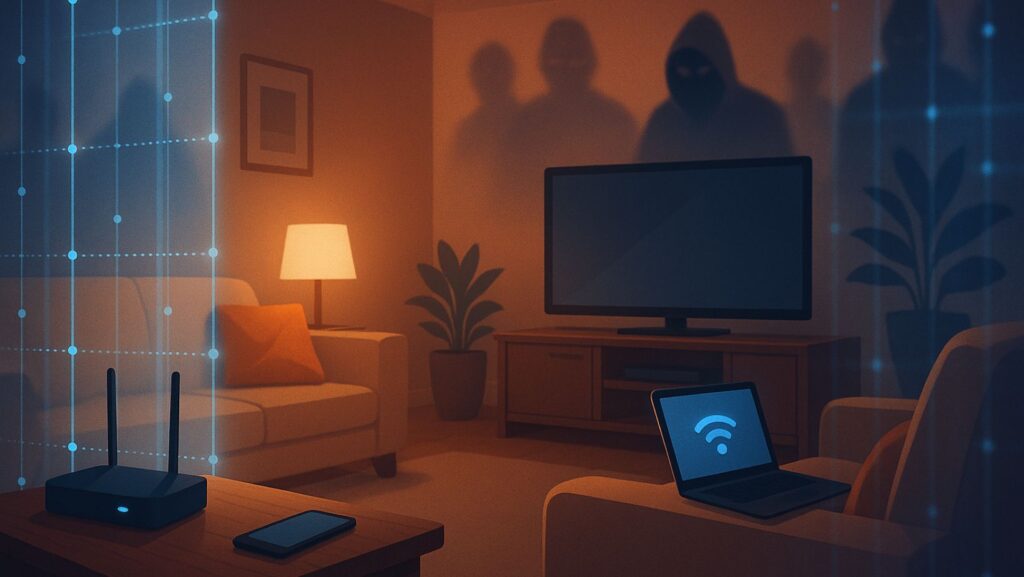
Installing a VPN on your router creates a powerful layer of home-wide privacy, and once it’s configured, you never have to touch it again.
Other Simple Ways to Protect Home Privacy
A VPN is one of the strongest tools you can add, but a few extra habits make a big difference:
1. Use Strong, Unique Passwords
Avoid using the same password for everything.
2. Update Your Devices
Hackers love old software. Updates close security holes.
3. Change Your Wi-Fi Password Regularly
Treat it like changing the locks on your front door.
4. Turn Off Smart Features You Don’t Use
If your TV or speaker is always listening, so is someone else’s software.
5. Check Who’s on Your Network
Most routers show a list of connected devices. If you see something unfamiliar, secure it immediately.
Privacy isn’t about fear—it’s about taking back control.
Final Thoughts: Your Home Deserves Digital Curtains Too
Most people take steps to protect their physical home—locking doors, closing blinds, using outdoor lights. But digital privacy has become just as important. In 2025, your home network reveals nearly everything about your life. Protecting it isn’t a luxury; it’s a basic part of living in a connected world.
A VPN is one of the simplest, most effective ways to close your digital curtains and take back your privacy. It works quietly in the background, protecting your family, your devices, and your personal information.
Whether you secure a single device or your entire home network, installing a VPN Download is a fast, smart step toward real peace of mind.
Your home should always feel private—both offline and online.