
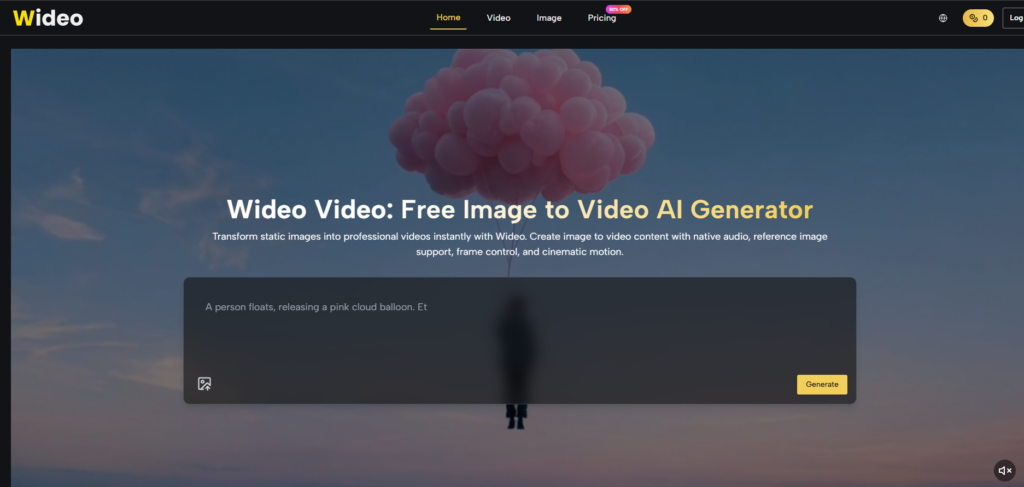
The conversation around AI video generation has become surprisingly noisy. Every week brings a new model announcement, another benchmark claim, or a side-by-side comparison that promises to crown a winner. But if you actually sit down to create something—not a demo clip but a real piece of content with a real purpose—the landscape looks different. The question is not which model has the highest score on some technical metric. It is which platform lets you turn an idea into a usable video without fighting the tool every step of the way. That is the question I brought to image to video when I started testing Wideo’s approach to AI video generation.
What I found is a platform that seems to understand that most creators do not want to become AI prompt engineers. They want to upload an image, describe what they need, and get a video that works. The rest is infrastructure.
What the Platform Actually Does with Your Images
The core mechanism of Wideo’s image-to-video capability is straightforward: you provide a visual starting point, and the platform generates motion around it. But the details matter more than the headline.
Multiple Starting Points for Different Workflows
Upload an Existing Image
The most direct path is uploading an image you already have. This could be a product photo, a character illustration, a travel shot, or any visual you want to bring to life. In my testing, the quality of the output correlated strongly with the quality of the input. Clean, well-lit images with clear subjects produced noticeably better results than low-resolution or cluttered ones. This is not a limitation unique to Wideo—it is inherent to how image-to-video models work—but it is worth stating clearly.
Generate an Image First
For workflows where you do not have a suitable image, Wideo supports AI image generation as a starting point. This means you can create the visual asset you need within the platform before animating it. The logic here is worth noting: instead of treating AI image generation as the final step, the platform encourages you to view it as the first step in a video-first workflow. This removes the friction of jumping between different tools and keeps the entire creative process in one place.
Multiple Reference Images for Consistency
One feature that stood out during my testing is the support for multiple reference images. This is particularly valuable when you are working with characters or products that need to maintain a consistent appearance across scenes. Instead of hoping the AI remembers what your subject looks like, you can provide reference visuals that guide the generation process. The result may vary depending on how distinct your reference images are, but having the option alone puts more control in your hands.
Model Selection Without the Confusion
Different Models for Different Needs
Wideo integrates multiple AI video models, including Kling, Wan 2.7, Wan 2.6, and Veo 3.1. Each model has different strengths, and the platform does not force you into a one-size-fits-all approach. For projects that require realistic physics and natural motion, the platform recommends Kling or Veo 3.1, both of which are designed to understand and simulate real-world physics, gravity, and complex camera trajectories.
In my testing, this recommendation held up. Scenes involving objects falling, characters walking, or cameras panning through space felt noticeably more grounded when generated with these models compared to more stylized alternatives. The difference was not always dramatic, but it was consistently present.
Seedance 2.0 for High-Energy Content
For fast-paced content like music videos, dance sequences, or action shots, Wideo offers Seedance 2.0, a model specifically optimized for rendering smooth, high-energy motion. The rhythmic motion sync capability generates fluid character animations that match energetic scenes. Multi-reference support lets you guide the exact posture and movement of AI characters using reference videos. Video style transfer allows you to instantly convert raw footage into anime, cyberpunk, or watercolor aesthetics.
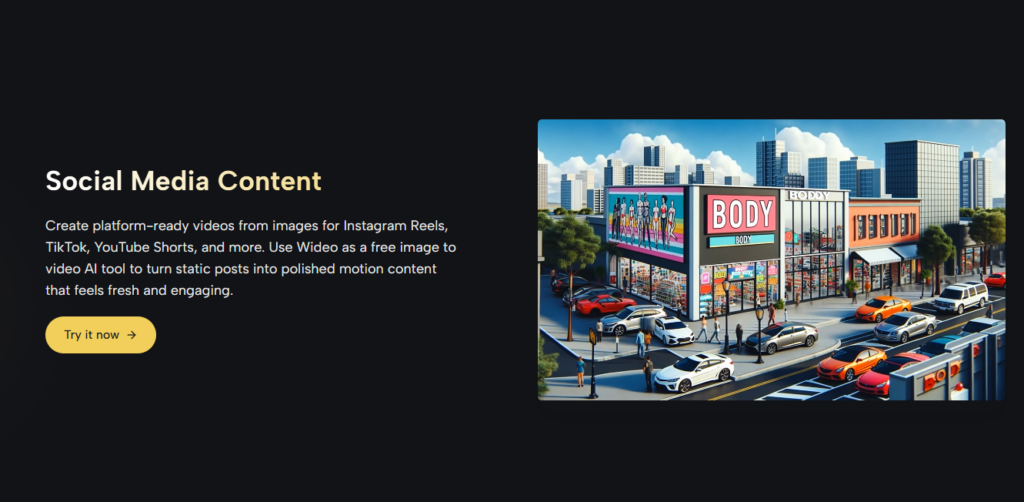
What I appreciated about Seedance 2.0 is that it does not try to be everything to everyone. It has a clear purpose—high-energy, rhythm-driven content—and it delivers on that purpose without overcomplicating the experience. If you are creating a moody, slow-paced narrative piece, you would likely choose a different model. But for its intended use case, Seedance 2.0 feels like a specialized tool rather than a generic feature.
The Actual Generation Process
Speed and Output Quality
The generation process itself is where the platform’s infrastructure becomes apparent. Most short clips render in minutes, which is reasonable for the complexity involved. Simpler prompts and single-reference images processed faster than multi-reference or highly detailed requests—which is exactly what you would expect.
The output quality varied depending on the model and the input. For product photography with clean backgrounds and clear subjects, the results were consistently strong. The AI handled reflections, textures, and lighting transitions competently. For more abstract or heavily stylized images, the results were less predictable. The platform’s documentation and interface do not promise perfection—they promise a capable tool that works best when you understand its strengths and limitations.
Character and Style Consistency
One of the hardest problems in AI video generation is maintaining consistency across frames. Characters change appearance, objects morph, and backgrounds shift in ways that break immersion. Wideo addresses this through its character consistency feature, which maintains consistent facial features and clothing across intense motion sequences. In practice, this worked well for scenes where the subject remained the primary focus. For complex multi-subject scenes, the consistency was less reliable, but still within acceptable bounds for a tool at this stage of development.
Real-World Scenarios from My Testing
To understand what the platform actually delivers, I ran it through three distinct use cases.
Product Demo for E-Commerce
I started with a clean product photo of a watch. The goal was a 15-second clip that showed the product from different angles with subtle lighting changes. The result was polished enough for a product page or social ad. The motion was smooth, the lighting transitions felt natural, and the overall impression was professional. The key limitation was that the output quality depended heavily on the input image—a well-lit, high-resolution photo generated a much better result than a lower-quality alternative.
Social Media Clip for Instagram Reels
Next, I tested the platform with a series of travel photos, aiming for a short Reel-style clip. The platform handled the motion generation competently, producing a visually appealing sequence with minimal effort on my part. The main variable was choosing the right model for the vibe I wanted—slower, more cinematic motion for a moody sequence versus faster, more dynamic motion for an energetic one.
Character Animation for Storytelling
Finally, I tested a character illustration, hoping to create a short animated sequence with natural movement. The results were impressive for a tool that requires no animation skills. The character maintained its visual identity across frames, and the environmental interaction felt coherent. The consistency was not perfect—some frames required regeneration—but the overall workflow was significantly faster than traditional animation methods.
Comparing Wideo to Other AI Video Approaches
To give you a clearer picture of where Wideo fits, here is a comparison based on my testing experience:
|
Aspect |
Wideo |
Single-Model Tools |
Traditional Animation |
|
Model Flexibility |
High—multiple models available |
Low—locked into one approach |
N/A—human-driven |
|
Image Input Quality |
Critical—affects output significantly |
Critical—same limitation |
Less critical—human adjustment |
|
Consistency Features |
Good—reference images help |
Variable—depends on model |
Maximum—human control |
|
Learning Curve |
Moderate—model selection matters |
Low—but limited control |
Steep—requires skills |
|
Output Predictability |
Moderate—varies by model and input |
Low—often unpredictable |
High—with skilled animator |
|
Best Use Case |
Regular content creation, varied needs |
Quick experiments |
High-budget, custom work |
This comparison is not meant to suggest that Wideo is the best option for every scenario. For a single, high-stakes project where you have time and budget, traditional animation or a specialized production team will almost certainly deliver better results. But for the volume of video content that most creators and businesses actually need to produce, the platform offers a practical middle ground.
Where the Platform Shows Its Limitations
No tool is perfect, and Wideo has real limitations that are worth understanding before you commit to a workflow.
First, the quality of results depends heavily on the quality of input images. Low-resolution photos, cluttered backgrounds, and poorly lit subjects produce noticeably worse results. This is not a limitation unique to Wideo—it is inherent to how AI video generation works—but it is worth keeping in mind.
Second, complex scenes with multiple subjects or intricate movements may require multiple generation attempts to achieve satisfactory results. The platform does not guarantee perfect output on the first try, and in my testing, I found that some prompts needed refinement to get the desired outcome.
Third, while the platform supports multiple reference images for consistency, the effectiveness of this feature varies. For simple subjects with clear visual characteristics, it works well. For more complex or abstract subjects, the consistency may be less reliable.
Fourth, the model selection process, while flexible, requires some understanding of what each model does best. If you choose the wrong model for your use case, the results will be suboptimal regardless of how good your input image is.
Who Should Consider This Approach
After spending considerable time with the platform, I can say that Wideo’s image-to-video capabilities are best suited for creators who need to produce video content regularly from existing visual assets.
If you are a marketer who needs to turn product photos into video ads without hiring a production team, the platform offers a practical, time-efficient solution. If you are a social media creator looking to turn static posts into engaging motion content, the platform reduces the friction between idea and execution. If you are an educator who wants to transform diagrams and slides into video lessons, Wideo accelerates what would otherwise be a slow process. If you are a business that needs to produce video content at scale, the platform’s Wideo AI capabilities provide a foundation for growth.
What Wideo does well is respect the fact that not every video needs to be a cinematic masterpiece. Sometimes you just need a polished, professional-looking clip that communicates your message effectively. For those moments, the platform delivers.
The experience is not about replacing human creativity—it is about removing the technical barriers that have historically kept video production out of reach for many creators. The models are capable, the workflow is clear, and the results are consistently useful. The limitations are real, but they are also honest. And in a space filled with overpromising tools, that honesty is worth acknowledging.