
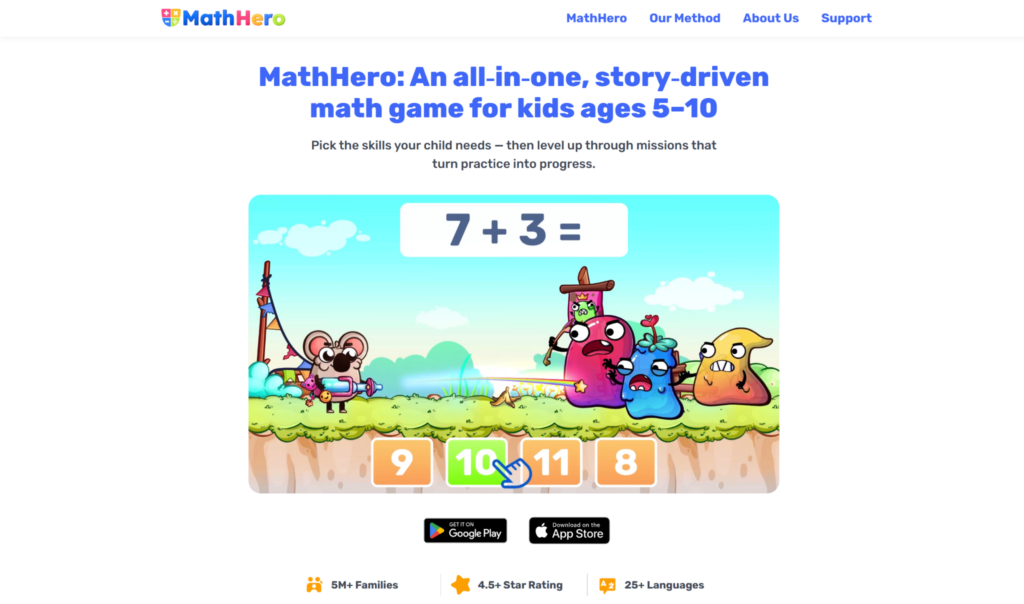
Quick answer: The best math apps for homeschooling combine willing practice with coverage a parent can steer. MathHero is strong for motivating daily arithmetic practice across ages 5 to 10, IXL and DoodleMath provide curriculum-aligned lessons and tracking, Khan Academy Kids covers the early years free, and DragonBox stretches advanced students. This guide helps homeschool parents build a math toolkit that fits their students and their approach.
Homeschooling math means wearing two hats at once: you are the parent and the teacher. You need students who will actually do their math, and you need to know they are covering what they should. That is a different bar from a school family looking for after-hours practice, and it is why the right apps for homeschoolers are the ones that support both engagement and coverage, without demanding that you build every lesson from scratch.
This guide is written for homeschool families choosing math tools for their students.
What homeschool families need from a math app
Homeschooling has its own requirements, and they shape which apps earn a place in your day.
Practice students will do independently
A homeschool parent cannot supervise every minute. An app that students will use on their own, willingly, frees you to work with another child or handle the rest of the day. Independent learning that actually happens is worth a great deal in a homeschool.
Coverage you can trust
You are responsible for the curriculum, so you need to know the math is being covered. Apps that map to a curriculum, or that let you direct practice to specific topics, help you ensure students are learning what they should across the year.
Flexibility for different students and levels
Many homeschool families teach several children at once, at different levels. Apps that let you set difficulty and topic per student let one tool serve a range, which matters when you are managing multiple learners.
Progress you can see
Without a school’s reporting, you need your own window into how each student is doing. Progress tracking helps you spot gaps, adjust lessons, and keep a record of what has been mastered.
1. MathHero: willing daily practice for arithmetic
MathHero is a story-driven adventure for students ages 5 to 10 covering addition, subtraction, times tables, and division, where solving math is the action mechanic. For homeschoolers, its value is getting students to do arithmetic practice on their own, willingly.
Why it fits homeschooling. The reps happen because students want to play, which means practice runs without you having to drive it. That independence is exactly what a busy homeschool parent needs. Homeschool families are among the audiences who use it, and parents report students asking to play and doing far more arithmetic than they would assign. It handles the daily fluency-building practice so you can focus your teaching time on concepts and the topics an app does not cover.
Flexible across students. Fine-grained controls, per-operation and per-table difficulty, typed versus multiple-choice, adjustable pace, let each student work at the right level. In a family teaching several children, a younger student can practice addition while an older one drills division, in the same game. Note that where multiple profiles are used, the free five-levels-a-day cap applies per profile, so each student gets their own daily session.
Honest about scope. MathHero is a practice tool for core arithmetic, not a full curriculum. It starts at first addition, not counting, and covers addition through division, not fractions, geometry, or the breadth of a complete math program. It supplements your homeschool math, it does not replace the teaching or the topics beyond arithmetic. New levels arrive slower than some students would like. Within its lane, it is purpose-built for willing practice. The whole game is completable free at five levels per day, no ads, no locked content.
Ratings: Google Play 4.6 (46k) and App Store 4.7 (11k).
2. IXL: curriculum coverage and tracking
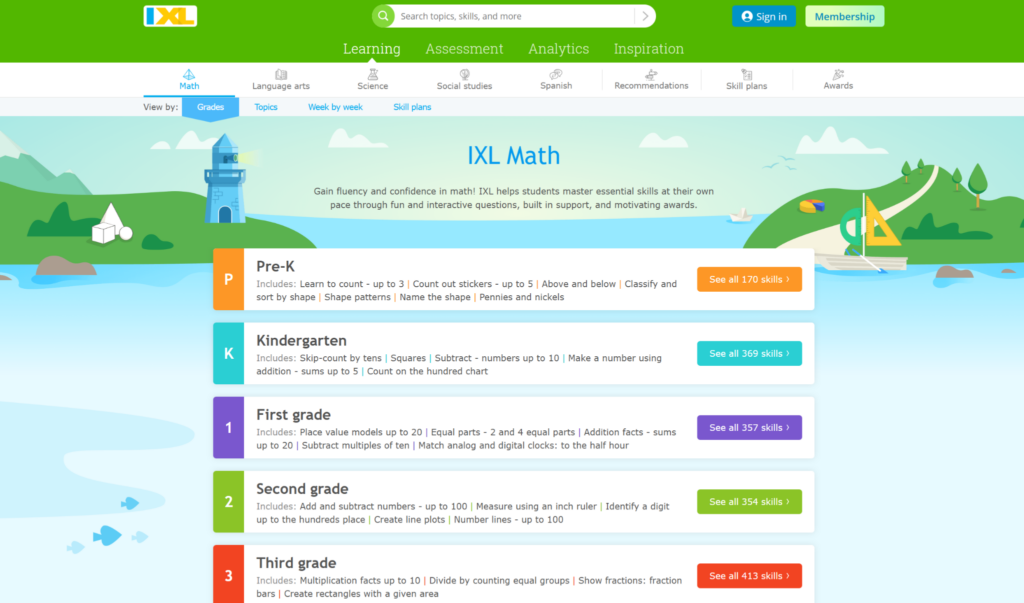
IXL provides math exercises for students from pre-K to 12th grade, curriculum aligned, with skill recommendations from a diagnostic and detailed analytics. For homeschoolers, it is a strong backbone for coverage.
Why it fits homeschooling. IXL maps to curriculum standards across a huge grade range and tracks exactly which skills each student has mastered, which helps a homeschool parent ensure coverage and keep records. The diagnostic points you to what a student needs next.
Where it falls short. It is structured practice, not a game, so motivation depends on the student. For a reluctant learner, it works best paired with a more engaging tool. Subscription pricing changes, so confirm the current rate on IXL’s site.
3. DoodleMath: personalized lessons that adjust
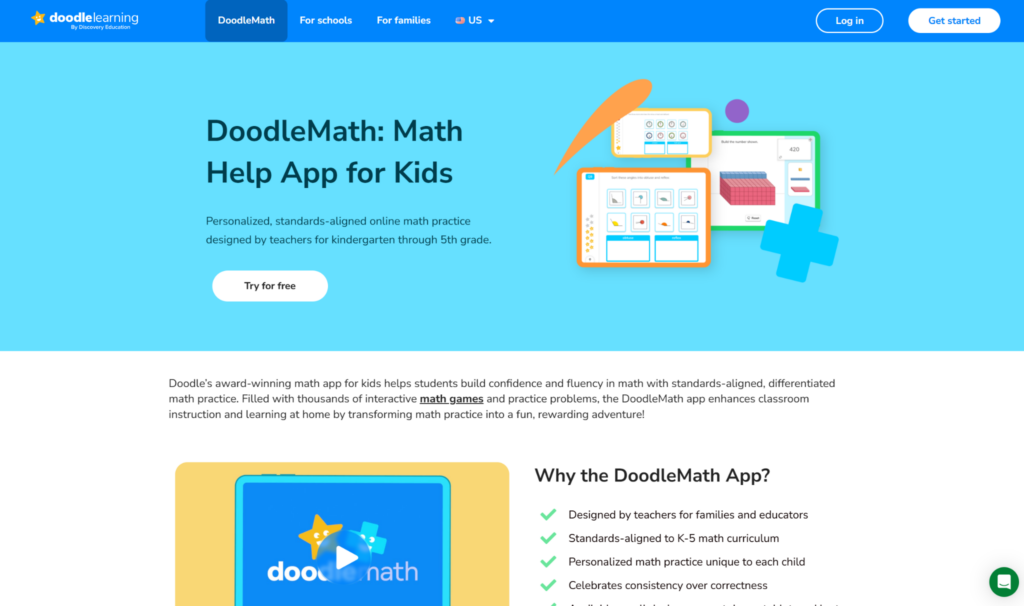
DoodleMath tailors math content based on each student’s strengths and weaknesses, adjusting as the student progresses. It supports independent, self paced learning across the elementary range.
Why it fits homeschooling. The personalized path keeps each student working at the right level with little parent setup, and supports the independent learning a homeschool day relies on. Good for filling gaps and steady progress.
Where it falls short. Like IXL, it is practice-focused rather than a story-driven game, so it complements a motivating tool for students who need a stronger hook. Check current pricing on DoodleLearning’s site.
4. Khan Academy Kids: free coverage for the early years
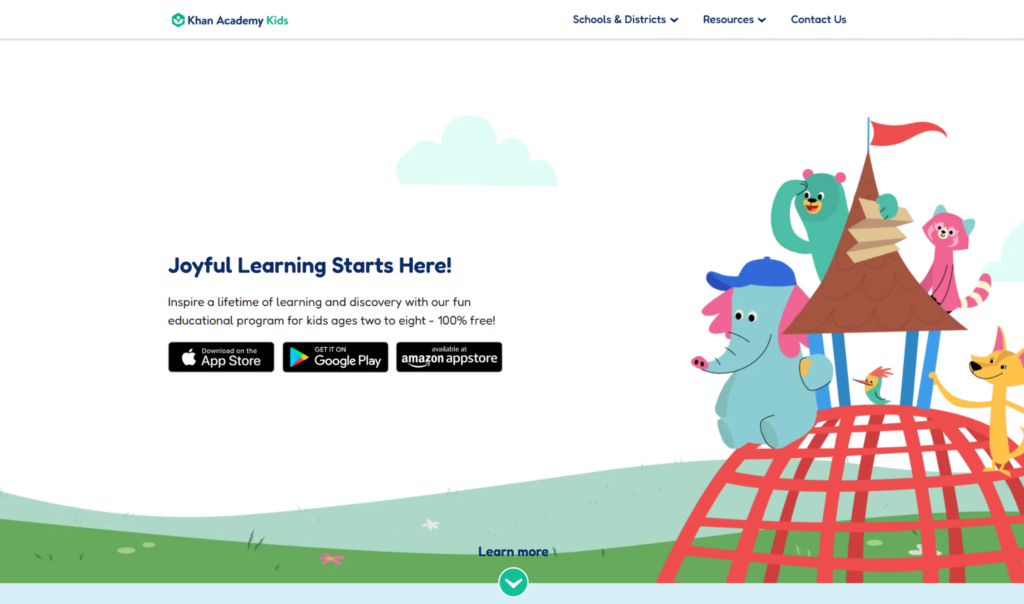
Khan Academy Kids is free, ad-free, with no in app purchases, for young learners ages 2 to 8. It covers counting, number recognition, and early basic math concepts, plus literacy.
Why it fits homeschooling. For families with young students, it covers the early years thoroughly at no cost, a genuine gift for a homeschool budget. It handles number sense before formal arithmetic begins.
Where it falls short. It is built for the early stage, so older students will need more range. It is a strong free foundation, not a complete elementary program.
5. SplashLearn: breadth across the elementary range
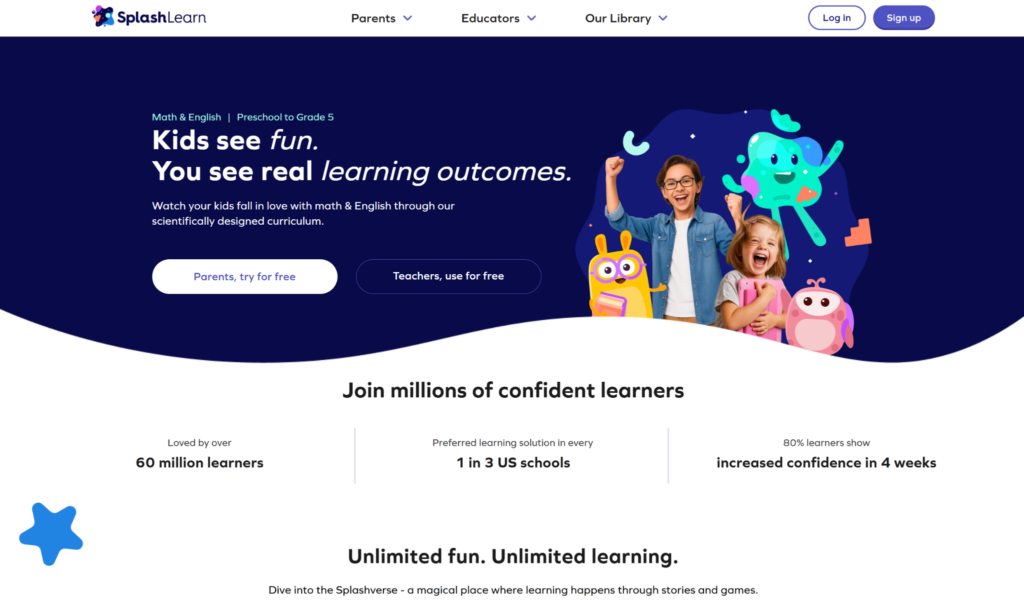
SplashLearn offers a large library of games and worksheets for Pre-K through Grade 5, curriculum aligned, covering math and reading. It includes tools for parents to assign and track.
Why it fits homeschooling. Broad grade-level coverage in one place, with a mix of interactive games and worksheets, suits a homeschool wanting range across the elementary years without assembling many tools.
Where it falls short. Engagement can be shallower than a true game, with rewards on top of exercises. Free access is limited; check current pricing in the app.
6. Prodigy Math: a game that scales through the grades
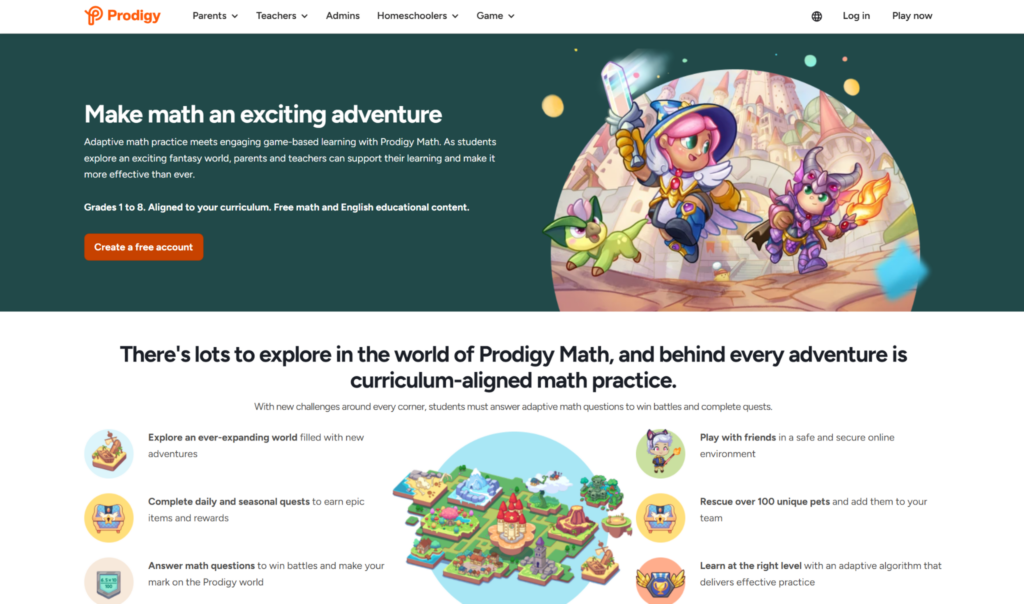
Prodigy Math is a fantasy based math game covering roughly 1st to 8th grade, with free tools for parents and educators to assign and track. It carries students from early elementary into middle school.
Why it fits homeschooling. For game-loving students, it motivates practice across a wide grade range, and its homeschool tools let you align in-game work to what you are teaching.
Where it falls short. Much of the motivating content sits behind a paid family membership. Prices and tiers change, so check current pricing on Prodigy’s site or in the app.
7. DragonBox: stretching advanced students

DragonBox teaches algebra and geometry through puzzles that embed the math in the mechanics. It reaches past core arithmetic into new concepts.
Why it fits homeschooling. For a student who has mastered arithmetic and is ready for more, it offers algebra and geometry through genuine problem solving, a way to stretch an advanced learner.
Where it falls short. It is not for daily arithmetic practice and targets skills beyond the elementary core, so it suits advanced students rather than those building fluency.
How to build a homeschool math toolkit
You do not need every app. A thoughtful combination covers the bases.
Pair a practice game with a coverage tool
A common homeschool setup: a motivating game like MathHero for willing daily arithmetic practice, plus a curriculum-aligned tool like IXL or DoodleMath for coverage and tracking. The game keeps students practicing, the tool keeps you sure of the curriculum.
Use free tools where they fit
Khan Academy Kids covers the early years free, and MathHero’s free mode gives you the whole game for arithmetic practice. A homeschool math stack can lean heavily on free tiers, especially for younger students.
Let apps handle practice, you handle teaching
Apps are excellent at repetition and fluency-building. Concepts, explanations, and the topics beyond arithmetic are where your teaching adds the most value. Let the apps do the reps so your time goes to the teaching only you can do.
Match tools to each student
In a multi-student homeschool, different children may need different tools. Set apps to each student’s level, and do not assume the tool that suits one will suit another. Flexibility per student is what makes a shared toolkit work.
Fitting math apps into your homeschool day
Choosing the apps is one thing, weaving them into a working routine is another. A few approaches homeschool families find effective.
Use apps for the independent block
Many homeschool days have a stretch where you need students working on their own while you teach another child or handle logistics. A math app students will do willingly is ideal for that block, turning independent time into productive practice rather than idle screen time. A game like MathHero suits this because students choose to engage.
Keep a light record
Without a school’s reporting, a simple log of what each student covered and where they are helps you stay on top of the curriculum. Apps with built-in tracking, like IXL, do much of this for you, while for a practice game you might just note the topics a student is drilling and their progress through them.
Blend screen and off-screen practice
Apps are powerful, but a full homeschool math diet usually mixes them with hands-on work, manipulatives, written problems, and real-world math. Let apps carry the repetition and fluency-building, and keep some off-screen practice for depth and variety. The blend keeps students engaged and covers more ways of learning.
Adjust as your students grow
Homeschooling lets you move at each student’s pace, and your app choices should follow. A tool that fits a young student now may give way to a different one as they advance, and an advanced student may be ready for concepts apps sooner than a grade level would suggest. Revisit the toolkit as your students change.
Frequently asked questions
Can a math app replace a homeschool math curriculum?
Not entirely. Apps are excellent for practice and fluency, but most do not cover a full curriculum, and a practice tool like MathHero focuses on core arithmetic only. Use apps to supplement your curriculum, especially for the repetition that builds fluency, rather than as a complete program.
What is the best math app for homeschooling multiple children?
An app with per-student settings, like MathHero, lets children at different levels share one tool, each working at their own difficulty and pace. Pair it with a curriculum-aligned tracker like IXL for coverage across your students.
How do homeschoolers keep math practice consistent?
Short daily sessions work best, and an app students will do on their own makes consistency far easier. Anchoring practice to a fixed point in the homeschool day, and using a tool students enjoy, keeps the reps happening without a daily push.
Are free math apps enough for homeschooling?
For the early years, Khan Academy Kids covers a lot free, and MathHero’s free mode handles arithmetic practice. Free tiers can carry much of a homeschool math practice load, though you may add a paid coverage tool for full curriculum tracking as students grow.
Common homeschool math questions beyond apps
A few things homeschool parents often weigh when apps are part of the plan.
How much screen time is right
There is no single answer, but most homeschool families use apps as one part of a math day that also includes off-screen work. A focused app session for practice, balanced with hands-on and written math, keeps screen time purposeful. Let the app earn its place by doing the repetition well, and cap it where it stops adding value.
Whether to follow the app’s sequence or your own
Apps have their own order, and your curriculum has one too. For practice tools, it is usually fine to let the app sequence the reps while you drive the overall scope. For coverage tools, aligning the app to your curriculum keeps everything pulling the same direction rather than pulling students two ways.
How to handle multiple ages at once
The practical answer most families land on is per-student settings and staggered independent blocks: one student on an app working independently while you teach another, then swap. Apps that flex to each student’s level make this rotation workable rather than chaotic.
The bottom line
Homeschool math works best rather than one app doing everything. MathHero handles willing daily arithmetic practice so students build fluency on their own, IXL or DoodleMath ensure curriculum coverage and give you tracking, Khan Academy Kids covers the early years free, and DragonBox stretches advanced students. Let the apps do the repetition, keep your teaching time for concepts, and match each tool to each student. Built that way, a homeschool math day runs smoother and students actually practice.