
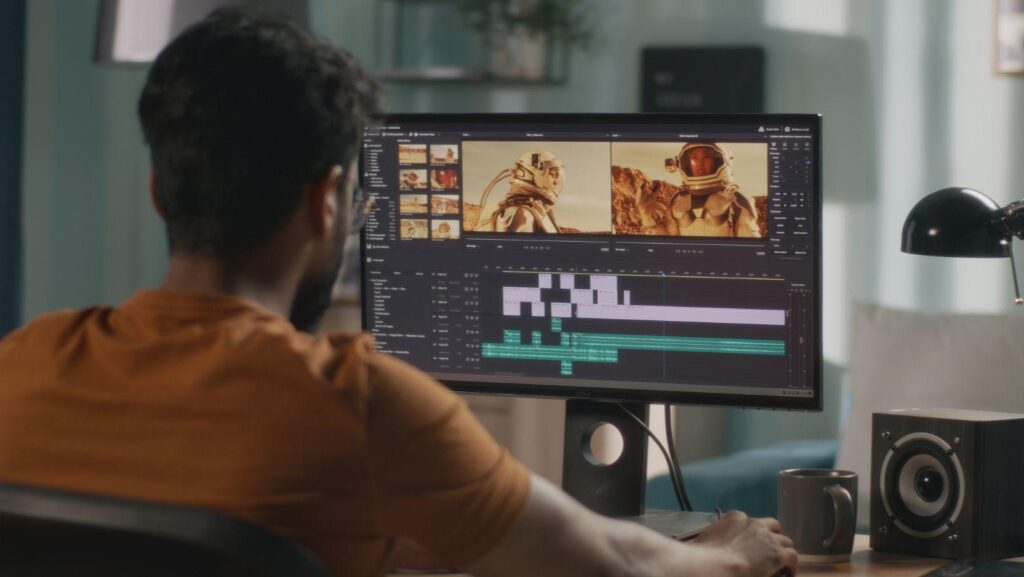
The most common frustration in the modern generative workflow is the “almost-perfect” image. You’ve spent twenty minutes refining a prompt, balancing the weights of lighting and composition, only to have the model deliver a stunning cinematic shot where the subject has an inexplicable sixth finger or a floating coffee cup in the background. In the early days of this tech, we might have just rerolled the prompt and hoped for better luck. But as the industry moves from novelty to production, the “reroll and pray” method is being replaced by a more disciplined, surgical approach to post-production.
Professional publishing—whether it’s for a high-conversion ad campaign or a brand-consistent social feed—demands a level of intentionality that raw generative outputs rarely provide on the first pass. There is a “generative gap” between what a model hallucinates and what a brand can actually put its name on. Bridging that gap requires moving beyond the global text prompt and into the realm of pixel-level refinement, leveraging an AI Photo Editor to bridge the distance between a raw concept and a deployment-ready asset.
The Generative Mirage: Why Raw Outputs Aren’t Ready for Press
There is a persistent fallacy that generative AI is a “one-click” solution for creative work. While a model like Flux or Nano Banana can produce breathtaking visuals in seconds, these images often exist in a state of “latent logic” rather than physical reality. To a casual observer, the lighting might look perfect, but to a professional designer, the shadows might be falling in three different directions simultaneously.
These artifacts are more than just visual quirks; they are credibility killers. If a performance marketer runs an ad where the product labels are nonsensical gibberish or the background contains distorted anatomical features, the conversion rate plummets. The audience might not consciously identify the “AI feel,” but they instinctively recognize the lack of polish. Relying solely on prompts to fix these issues is a losing game. You might fix the hand but lose the perfect expression on the face. This is where the workflow must transition from “generation” to “editing.”
Surgical Interventions: Beyond the Global Prompt
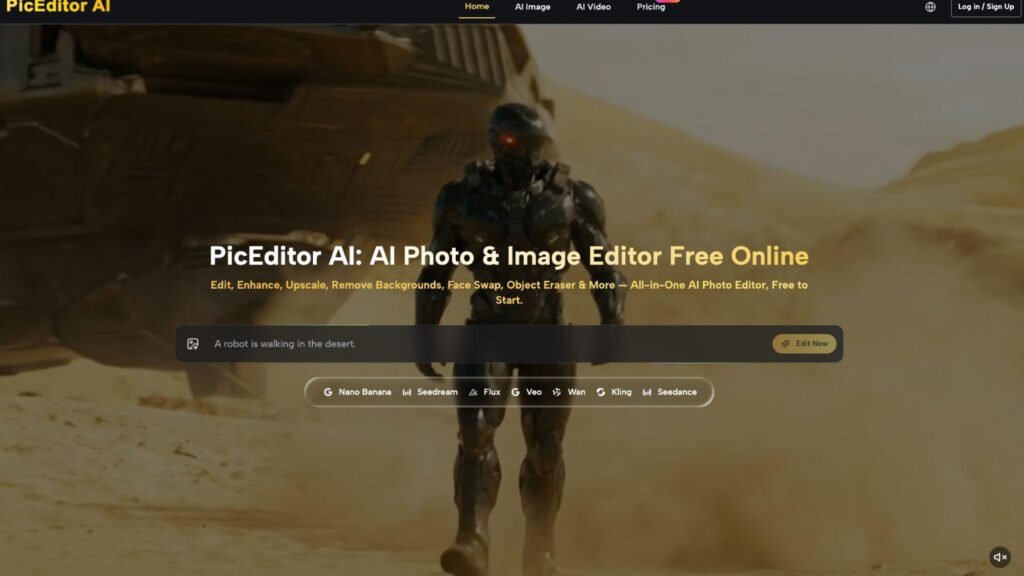
The shift from a prompt-first to an edit-first mindset is what separates hobbyists from professional operators. Instead of fighting the stochastic nature of a text-to-image model, savvy creators are using an AI Photo Editor to perform specific, surgical interventions.
Take object removal, for example. In a traditional workflow, if a background is too cluttered, you might try to prompt it away, which often changes the entire composition of the image. A surgical approach uses an AI-powered object eraser to “paint out” the distraction while the surrounding pixels are intelligently reconstructed to match the existing lighting and texture. This preserves the creative wins of the original generation while removing the flaws.
Similarly, face swapping has evolved from a meme-tier gimmick into a strategic tool for brand consistency. If a company needs a consistent brand ambassador across fifty different lifestyle shots, it is far more efficient to generate high-quality scenes and then use an AI Photo Editor to precisely map the brand’s specific face onto those frames. This ensures a level of continuity that prompting alone—which often drifts in character likeness—cannot maintain across a long-term campaign.
The Resolution Ceiling and the Upscaling Mandate
Most state-of-the-art base models still operate within a resolution ceiling, typically around 1024×1024 or 1280×720 pixels. While this is fine for a mobile screen, it fails the moment an asset needs to be used for a desktop hero image, a print advertisement, or a high-definition video background. Simple interpolation—stretching the pixels to fit—results in a muddy, soft look that screams amateur.
The modern workflow requires an upscale pass that does more than just resize. AI-driven enhancement actually reconstructs the fine details of the image. It looks at the existing data and infers where a strand of hair should be or how the grain of a wooden table should continue. This “reconstructive upscaling” is essential for maintaining asset integrity across diverse delivery channels. Without this step, even the best creative concept will fall flat due to technical degradation.
Limits of the Tool: Where Latent Logic Still Fails
Despite the rapid advancement of these tools, it is vital to acknowledge where the technology currently plateaus. We are not yet at the point where every “fix” is automated or perfect.
The first significant limitation involves fine textures and transparency. Even the most advanced AI Photo Editor struggles with semi-transparent fabrics, complex lace, or fine, frizzy hair when placed against a busy background. Automated background removal tools often “crunch” these edges, resulting in a halo effect or a jagged cutout that requires manual masking to resolve. If your workflow involves high-fashion photography or intricate product shots, you should expect to spend additional time on edge refinement.
The second area of uncertainty is multi-subject anatomical physics. When an image contains two or more people interacting—shaking hands, hugging, or even standing in close proximity—the AI often loses track of whose limb belongs to whom. Surgical editing can fix a single hand, but fixing two intertwined people whose bodies have merged at a pixel level is often more work than it’s worth. In these cases, it is often better to generate separate elements and composite them manually rather than hoping for a “smart” AI fix to untangle the mess.
Bridge to Motion: Preparing Static Assets for Animation
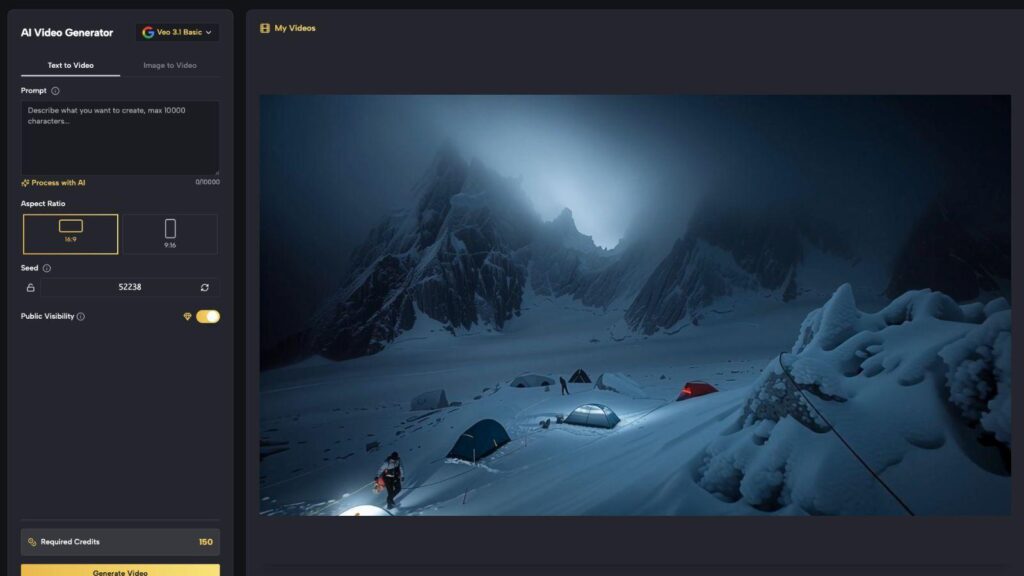
The role of the AI Photo Editor extends beyond static imagery; it is increasingly the foundation for high-quality generative video. The current crop of image-to-video tools, such as Kling, Veo, or Runway, operates on a “garbage in, garbage out” principle. If the source image contains visual noise, cluttered backgrounds, or anatomical inconsistencies, the motion model will interpret those flaws as features and try to animate them.
A “dirty” static frame often leads to temporal flickering or bizarre motion artifacts in the resulting video. For example, if there is a stray object near the subject’s head, the video model might decide that object is part of the subject and animate it as a growing appendage.
By pre-processing a static image—cleaning up the background, sharpening the textures, and ensuring anatomical correctness—you provide a “clean plate” for the video engine. This preparatory phase significantly reduces the computational waste of failed video renders. A few minutes of refinement in a photo editor can save hours of frustration in the video generation phase.
Building a Repeatable Asset Pipeline
The transition from “tinkering” to “production” is defined by the move toward a modular pipeline. Instead of looking for a single “god-model” that does everything, successful creators are building workflows that use specialized tools for specialized tasks.
You might use Flux for the initial creative spark because of its prompt adherence, then move to a toolset like PicEditor AI for surgical cleanup, and finally use a dedicated upscaler to prepare the file for the final output. This modularity isn’t a sign of the technology’s weakness; it’s a sign of a maturing industry. It allows the creator to reclaim agency from the algorithm, deciding exactly which parts of the “hallucination” to keep and which to overwrite.
The long-term value of this approach is consistency. By standardizing the editing phase, marketing teams can ensure that every image, regardless of which model generated it, adheres to the same quality bar and brand guidelines. We are moving away from an era of “prompt engineering” and into an era of “generative curation,” where the ability to edit and refine is just as important as the ability to generate in the first place. The AI Photo Editor is no longer a luxury for fixing mistakes—it is the central hub of a professional creative pipeline.